
Various Font options on the Font Settings tab as shown below screen
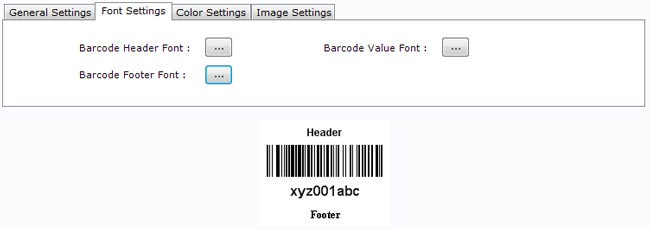
Software Font Settings facilitates you to create barcode labels in its own style by allowing option to change:
- Barcode Value Font – To set the Barcode Value Font.
- Barcode Header Font – To set the Barcode Header Font.
- Barcode Footer Font – To set the Barcode Footer Font.