DRPU Software Barcode software
A complete barcode solution
Home Contact us Support Knowledgebase
Professional Barcode labeling software

Introduction

Introduction to software

Barcode Label Maker Software is one of the advanced and profitable business utility that allows you to create and print high quality and versatile barcode labels in the easiest and affordable manner. You are not required to have prior technical skills to understand software features and working while operating it. Industrial Barcode label maker software has been reviewed and top rated by various shareware sites.

Barcode Label Maker Software is equipped with the following features:

  • Easy to use and generate professional barcode labels.
  • Supports major barcode fonts standards to create and print barcode labels in form of Asset tags, Stickers, Barcode images etc according to industry specific need and specifications.
  • Facilitates to create any size or shape of labels provided with flexible page and font settings.
  • Barcode creator program saves generated barcode images in a variety of graphics formats, including jpeg, gif and bmp.
  • Used widely in Retail industry, Manufacturing, Inventory management, Postal services, Shipping and Distribution and other various application areas.
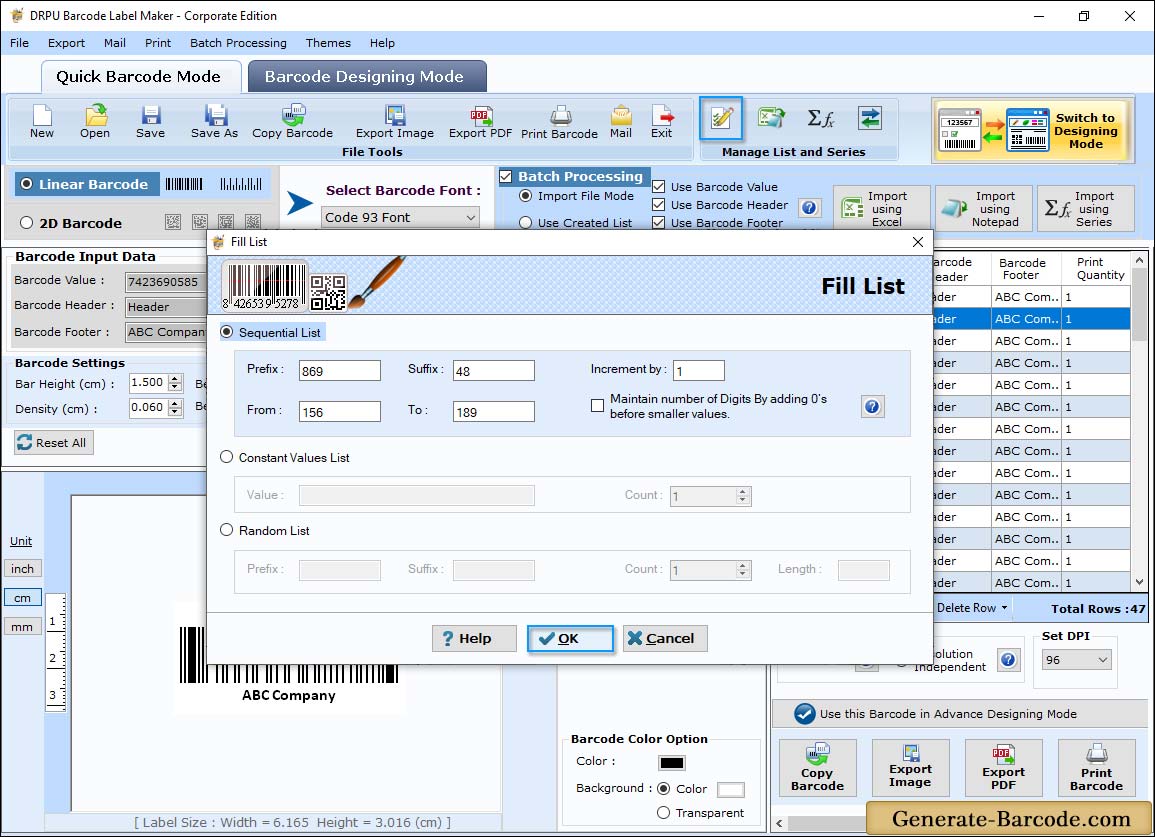
  • Software has the ability to generate barcode labels in bulk.
 

What’s New?

Barcode Label Maker Software advance features and functionalities that help to increase more user flexibility:

  • Accurate Barcode Generator: Easily generate printable and professional barcode labels in few mouse clicks.
  • Supported Barcode Fonts Standards: Supports major barcode fonts including Codabar, Code 11, Code 128, Code 128 SET A, Code 128 SET B, Code 128 SET C, Code 39, Code 93, Code 39 Full ASCII, EAN13, EAN8, Industrial 2 of 5, Interleaved 2 of 5, ISBN 13, ITF-14, LOGMARS, MSI Plessey, Planet, Postnet, Standard 2 of 5, UCC/EAN-128, UPCA, UPCE, UPSC Stack Label, UPSC Tray Label, USS-93 etc.
  • Customized Utility: No you don’t need to use already built barcode templates. Software allows you to generate customized barcode labels according to Industry need and standards. Barcode application is equipped with advance technologies and features that allow you to create and generate barcode labels in your own defined style.
    • Font Settings: Facilitates to choose barcode caption font, barcode value font, caption color and barcode value color according to Company specification.
    • Print Settings: Print feature lets you set Columns and Rows value, Horizontal and Vertical spaces between barcode images and other print page properties for printing barcode images.
    • Page Setup: Allows you to select the Paper size, Orientation and set the Paper margins while printing barcode labels.
    • Print Preview: Print Preview feature lets you view generated barcode images before you print to avoid printing mistakes.
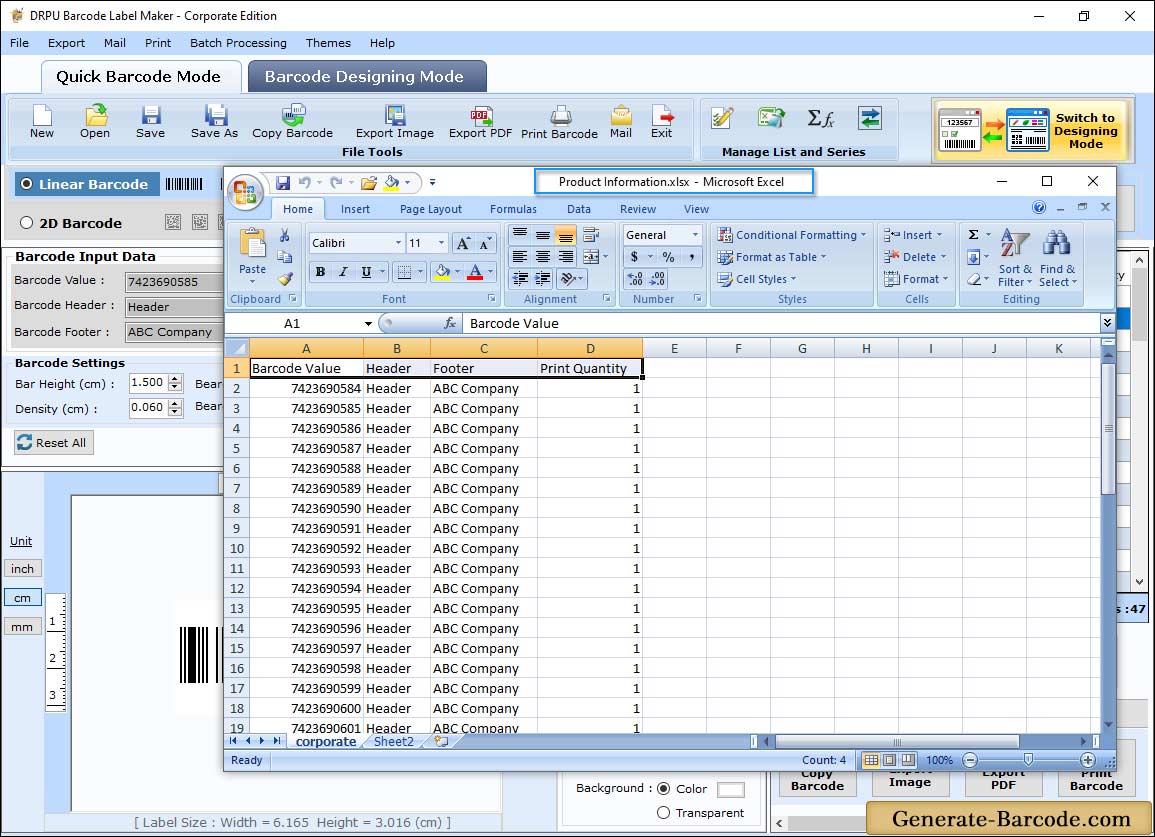
  • Option to copy generated barcode labels and paste at specified application including MS-Word, MS-Paint, MS-Excel etc.


Previous   Next


Table of Contents

Introduction

Getting Started

Barcode Technology

Software Workplace

Creating Barcode Labels

License and Ordering

Getting Assistance

Quick Reference

Payment methods


Home | Contact us | Support | Resources | Knowledgebase | Terms and Conditions

Barcode Software | Barcode Label Maker | Barcode Labeling Software | Barcode Printing Software | Barcode Creator | Barcode Generator | Code 39 Barcode | Code 93 Barcode | Codabar Barcode

© Copyright DRPU Software Pvt. Ltd.